Settings
Last updated:
How to add a request a quote form
This introduces a option that allows you to display an additional button within the results view. When this button is clicked, a form opens where users can immediately request a quote.
Go to "Settings" in the left navigation.
Go to "Product bundles" and scroll down to "Advanced".
Enable the "Enable quote request form" toggle.
Choose which form you want to display.
(optional) you can change the text that is displayed in the button

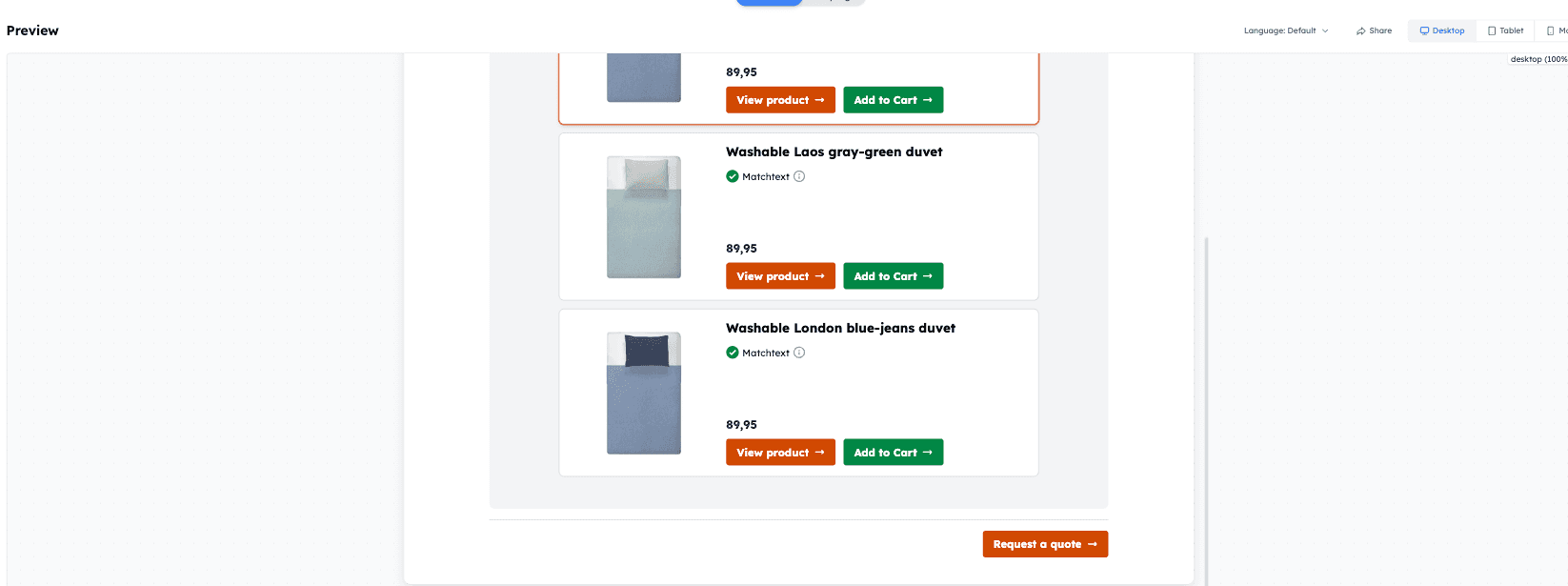
Below is an example of how the new button appears in the results view. When clicked, it opens the quote request form.
Currently only the e-mail and webhook apps are available for the quote request form:
E-mail: An e-mail will be sent including all answers, variables, contact data and advised products.
Webhook: Check out the webhook documentation to see exactly how the advised products are sent.
Was this article helpful?
Yes
No

