Documentation menu
Documentation
How to's
Configuration
Account
Preview & Styling
Settings
Feed
Matching
Apps
Insights
Publish
Definitions
FAQ
Homepage
›
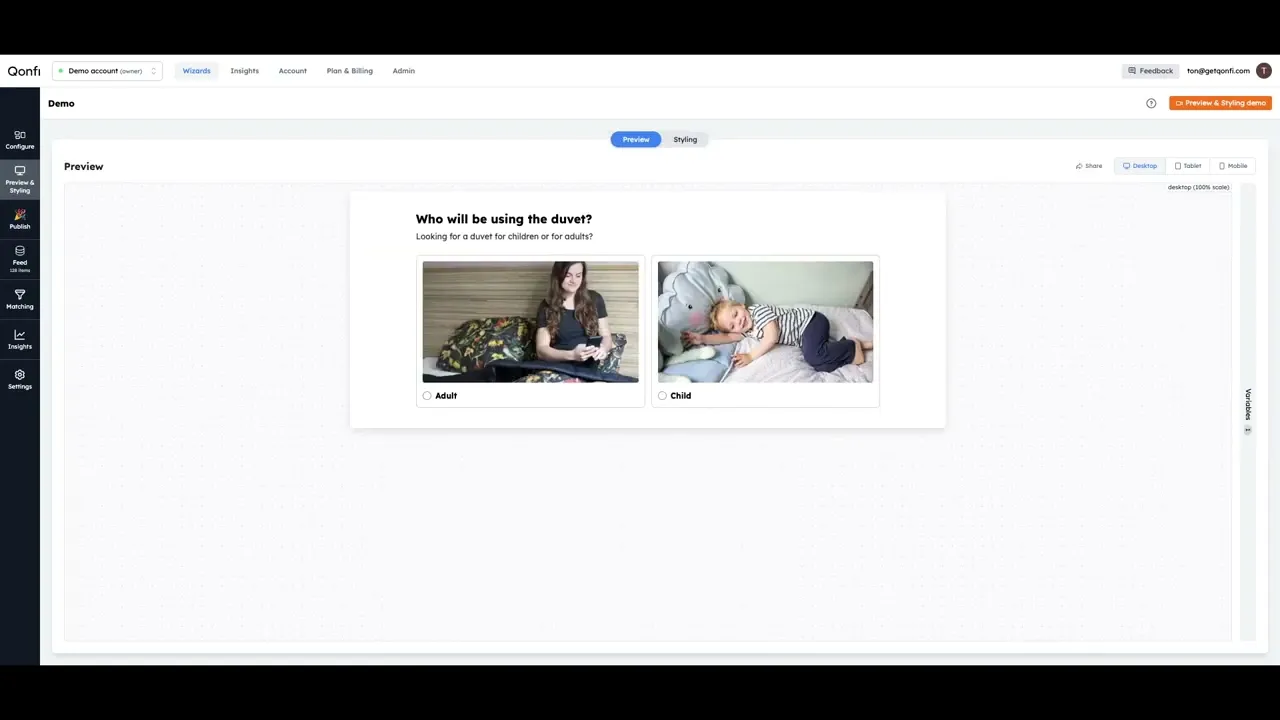
Preview your selling guide, add styling to match your brand.
How to preview your selling guide
How to style your selling guide
How to change the number of answers per row
How to change the number of items per row in your advice
How to change the layout of my advice card
How to change the layout of my answer card
How to show or hide radios & checkboxes
How to e-mail the shown advice to your users
How to use your own custom stylesheet (CSS)
How to change the spacing in your selling guide
How to change the text and button sizes in your selling guide
How to change the colors of your selling guide
How to change the rounded corners of your selling guide
How to copy your styling to another selling guide
How to show a fixed number of products your advice
How to show or hide the best-match label
How to show or hide the breadcrumbs
How to show an extra add-to-cart button in the top of your advice
How to share a preview link